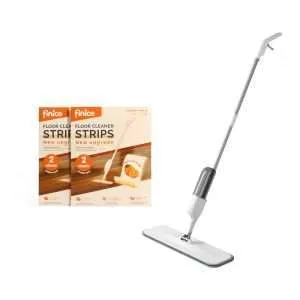
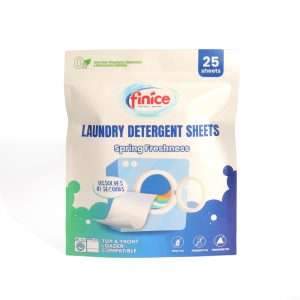
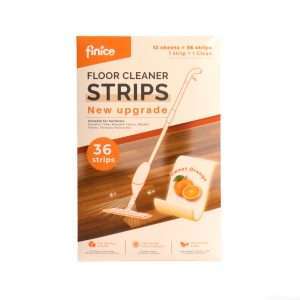
An online cleaning product listing can contain accurate individual photographs and still present the wrong combination to a shopper. The selected fragrance may show another pack size, or a gallery may retain instructions from an earlier version. Review the listing as a complete purchase journey before launch.

Start with a variant map
List each sellable SKU with its approved product name, fragrance, quantity and packaging reference. Connect each image to that record. Keep the source file identifiable so an old photograph is not returned to the gallery simply because its filename looks familiar.
Separate product photographs from illustrations and lifestyle images. Context images can help explain intended use, but they should not imply an unverified product capability or show components that are not included in the selected offer.
Walk through every selection
Choose each available variant and compare the displayed title, main image, quantity and description. Then check the basket summary. The aim is to confirm that the customer can identify the same product at every step, not merely that each image loads.
Read the small details
- Does the photographed count match the selected pack?
- Are the fragrance name and visual identity consistent?
- Do pictured directions belong to the approved version?
- Are accessories included, optional or illustrative?
- Can important differences be understood on a small screen?
Do not rely on alt text to correct a misleading photograph. Alt text should accurately describe the image; the visible listing itself must make the offer clear. Replace or relabel unsuitable imagery before release.
Review claims across all assets
Packaging text, image overlays and descriptions can each introduce a claim. Collect the proposed claims for the responsible review instead of assessing only the main description. An older image can preserve wording the team has already removed from the written listing.
Keep an approval record
Save the approved asset set with the SKU references and review date. When the pack changes, identify every listing that uses the old image. This makes a future update a controlled task rather than a search through unlabelled files.
When discussing a private label launch, share the intended sales channel and the product variations you expect to display. Request current, representative product information and clarify which assets correspond to the final approved pack.
Related buyer guide: Private Label Cleaning Products: How to Manage Formula and Packaging Changes.
Discuss your next project
Explore the relevant Finice product range and send your target market, channel and sample requirements to discuss suitable next steps.